Start with one
10 credits
9.99 USD
About $9.99 per 10 credits
Try your first video
 Hotel-Lobby
Pet Rap AI Video
Turn two pet photos, or a pet and a person, into a rap-style clip. Add a topic to guide a new soundtrack. Check the finished video for resemblance and mouth timing.
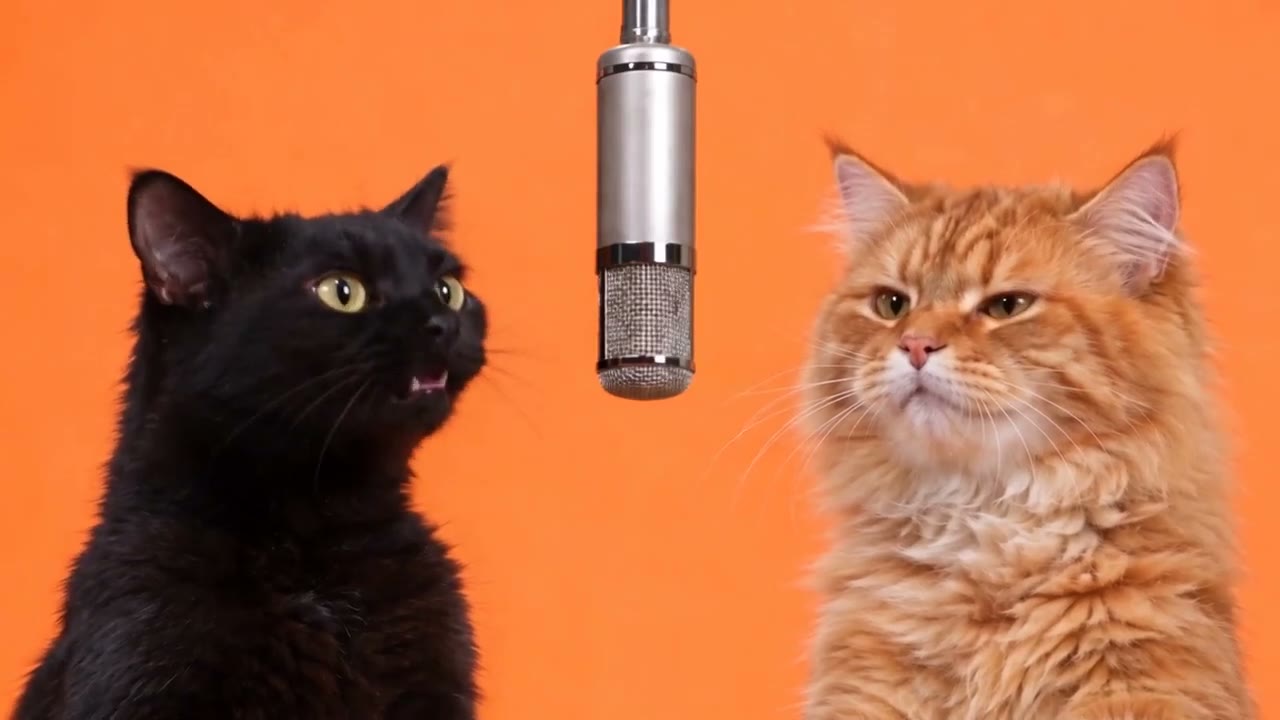
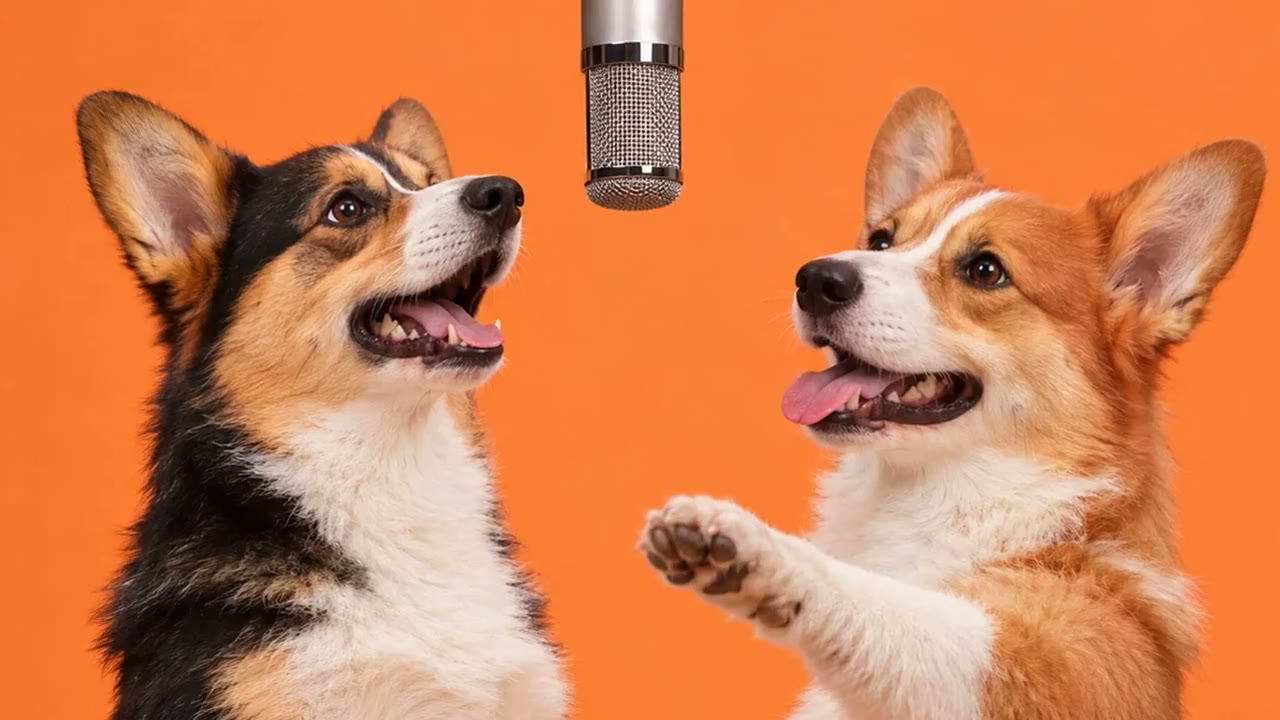
Add two subject photos or one photo of both. A topic can guide the soundtrack.
Clear faces, good light. JPG, PNG, or WebP. 12 MB max each.
12s · 9:16
10 credits. Use only photos you have permission for. Photos are deleted within 48 hours. Terms · Consent rules
Pet Rap AI turns two photos into a rap-style video with a newly generated soundtrack. Use two pet photos, or one pet and one person. A short topic, such as two cats at an open mic, guides the soundtrack.
Choose a setting such as Lobby and dog, Cat studio, Booth and puppy, or Park bench, then set the video quality. Check the finished clip for resemblance and mouth timing.
Make yours hereIllustrative portraits
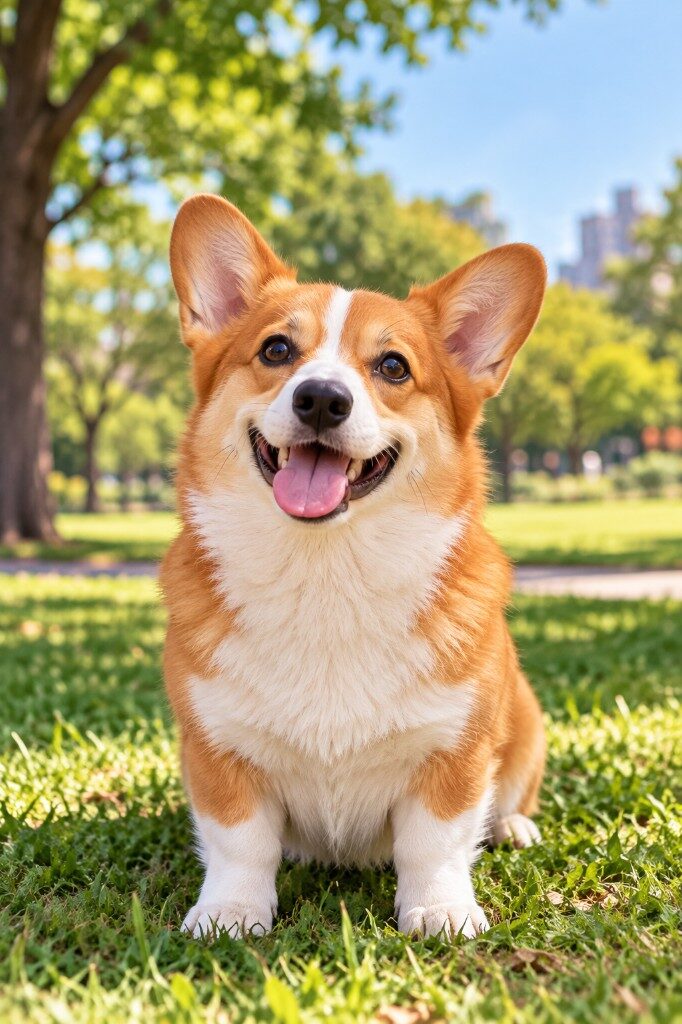
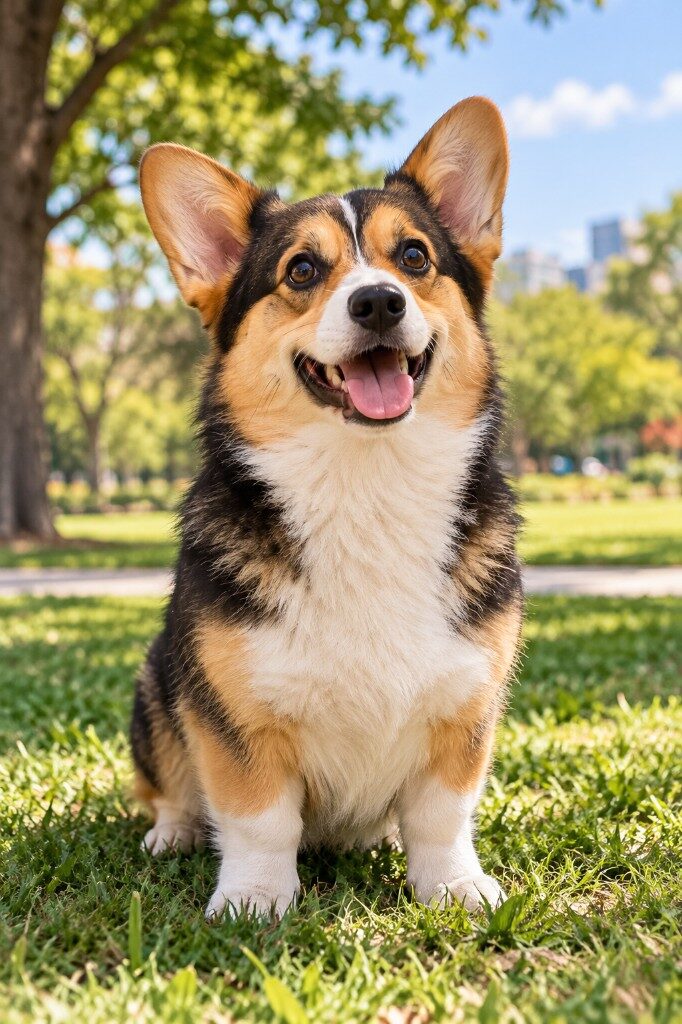
Style preview
Preview the style and framing here. See the creator for the current template length.
Upload two pet photos, or one pet and one person. Use a separate photo for each subject, or one photo with both faces visible.
Pick Lobby and dog, Cat studio, Booth and puppy, or Park bench. Add a short topic to guide a new soundtrack.
Choose the video quality, review the credit cost, and generate the clip. Check the finished video for resemblance and mouth timing. Paid videos download as MP4.
A short topic, such as two cats at an open mic, gives the model a direction for the soundtrack. Check the finished clip for resemblance and mouth timing.
Buy credits once and use them for the videos you choose. Check each tool's quote before buying.
Powered by Waffo
Start with one
9.99 USD
About $9.99 per 10 credits
Try your first video
Recommended for trying scenes
Save 17%24.99 USD
About $8.33 per 10 credits
Try another scene or friend
Lowest price per credit
Save 30%69.99 USD
About $7.00 per 10 credits
A larger balance for more projects
If a render fails, the credits come back. A new video uses credits again.
Pet Rap asks the model to make a new soundtrack from the selected setting and your optional description. The result can vary with the render.
Download your paid MP4 from My Creations. The creator shows the clip length and credit cost before you generate.
Sign in to see the video. Paid videos stay 90 days. Uploaded photos are deleted within 48 hours.
Use a clear photo you can share, with the pet's face visible and enough light to see its markings. Use the two-photo layout or one image with both subjects.
Pet Rap asks the model to make a new soundtrack from the selected setting and your optional description. The result can vary with the render.
The model generates the performance from your photos and setting. Vocals, mouth timing and resemblance can vary. Use a clear view of each face and review the result with sound.
The default is 720p · 12s · 9:16 · 10 credits. Pet Rap makes a 12-second vertical clip. Choose a setting and a resolution from 480p, 720p.
Choose the joint-photo layout for one image where both faces are clear, or upload two individual portraits. The tool is designed for two subjects.
Use a sharp, well-lit JPG, PNG or WebP up to 12 MB per file. Keep eyes and mouths clear. Export HEIC photos to JPG first.
Use photos you have permission to use. Every person shown must be a consenting adult. Photos of minors and public figures are excluded.
There is no free preview. The public demos are viewable before you pay. The creator shows the credit cost for each resolution.
Check the same job in My Creations. You can leave the tool page and return later. Starting again creates another job and can use more credits.
When a paid job is marked failed, the credits for that attempt return automatically. If a job shows failed and your balance has not updated, send support the video ID.
Input photos are deleted within 48 hours. Paid videos are available for 90 days. Download your video before it expires, or delete it earlier in My Creations.
Download the finished paid MP4 from My Creations. Before posting, confirm you have permission to share the likeness and audio and follow the platform's AI labeling rules.
Payment covers generation and the MP4 download. It does not include a separate music license or transfer rights to someone else's song or likeness. Check the permissions for your intended use and read Audio and Usage Rights before commercial posting.
Use demos to see the style and framing. When a pair of photos and a video are documented as a matched example, the page labels them together. Results can vary with the photos and settings.
Send support the video ID if the clip freezes, a face is missing, or the MP4 will not play. We review these cases and restore the credits if the problem is on our side. Differences in likeness or performance alone do not trigger an automatic refund.
Use a separate photo for each subject or one photo with both faces visible.
Make a Pet Rap video